
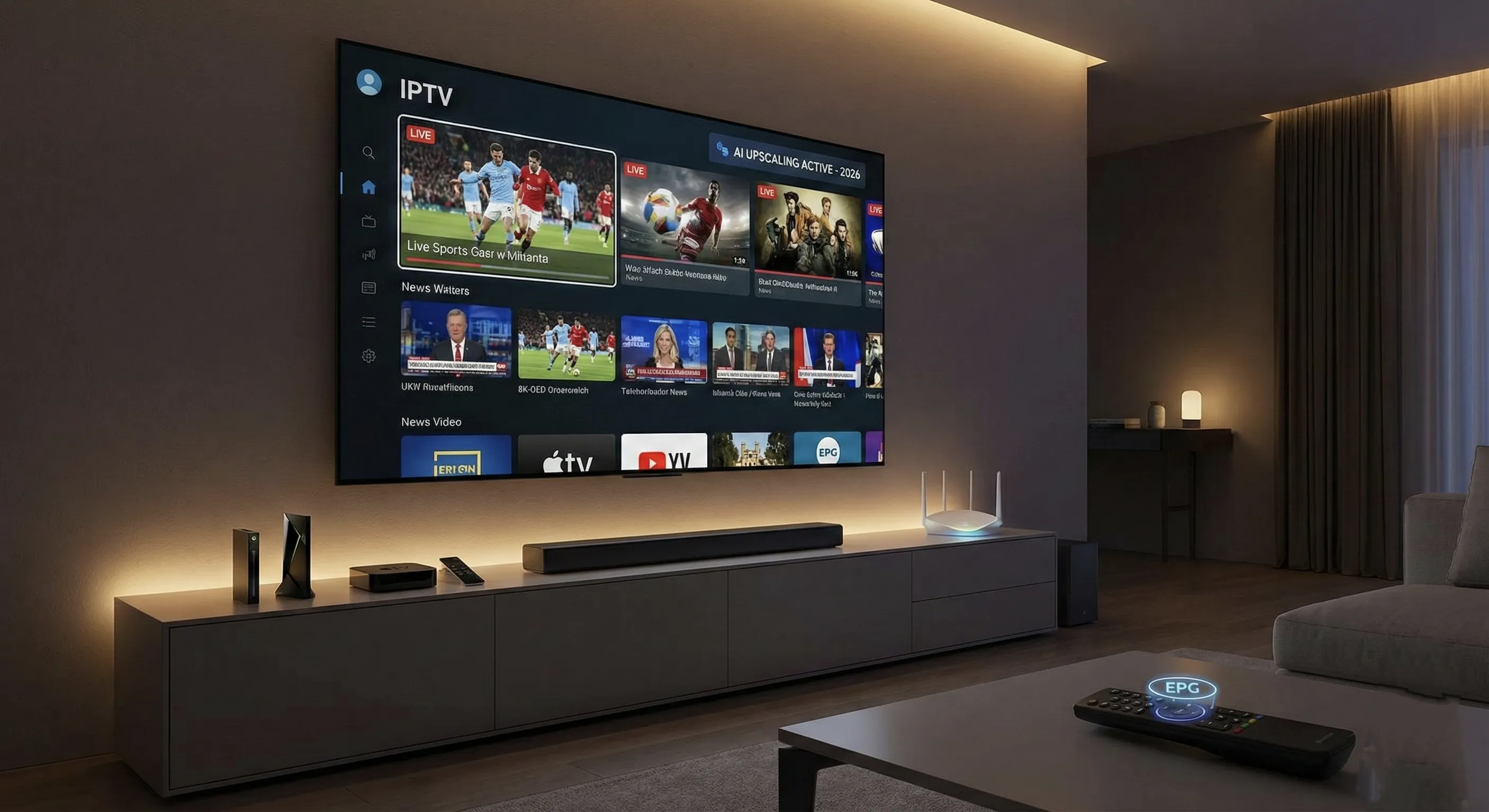
Welcome to 2026, a pivotal year where the antiquated cable box has officially been relegated to the annals of history. Internet Protocol Television (IPTV) has not just arrived; it has matured into the premier standard for media consumption across the globe. With groundbreaking advancements in AI-enhanced upscaling, the widespread adoption of the AV1 codec, and ubiquitous 5G home internet, establishing an IPTV system today is more straightforward and offers significantly higher quality than ever before.
Whether you’re taking the monumental leap to cut the cord for the very first time or are a seasoned streamer looking to revolutionize your existing setup, this definitive guide provides the complete A-to-Z blueprint for crafting the ultimate viewing experience this year.
⚠️ Important Legal Disclaimer: It is crucial to understand the distinction between fully legal IPTV services and unverified “grey market” alternatives. Reputable, legal options include well-known platforms like YouTube TV, Hulu + Live TV, Sling, and Pluto TV, all of which operate within legal frameworks.
This guide exclusively focuses on the technology, protocols, and setup applicable to legitimate IPTV services. Please be aware that accessing copyrighted content without proper authorization remains illegal in most jurisdictions; always ensure your streaming practices comply with local laws and regulations.
1. The Hardware: Selecting Your Powerhouse Streaming Device
In 2026, the era of significant hardware bottlenecks is largely behind us, with even budget-friendly streaming sticks packing considerable power. However, for those aspiring to the absolute ultimate IPTV experience, robust processing capabilities remain paramount.
This power is essential for seamlessly decoding high-bitrate 4K streams, effortlessly managing the visually rich user interfaces of modern players, and future-proofing your setup.
Top Tier: The Enthusiast’s Unrivaled Choice
- NVIDIA Shield TV Pro (2025/2026 Refresh): Still reigning as the undisputed champion, the latest NVIDIA Shield TV Pro models push boundaries. These units leverage deep learning AI, allowing them to transform standard 1080p sports broadcasts into astonishingly crisp 4K, virtually in real-time. It’s a powerhouse that handles every advanced audio codec imaginable, including Dolby Atmos and DTS:X, and doubles as an exceptional emulation station.
- Apple TV 4K (Gen 4): For those deeply embedded in the Apple ecosystem, the Apple TV 4K is an absolute essential. Its lightning-fast A-series chips often outperform many laptops, ensuring a fluid, responsive interface. The device’s flawless frame-rate matching guarantees unbelievably smooth playback for live sports and action-packed content, eliminating any visual judder.
Mid-Range: Optimal Performance for Your Investment
- Amazon Fire TV Stick 4K Max (2nd Gen+): This device continues its legacy as the most popular choice, and for excellent reasons. It boasts Wi-Fi 6E support, providing rock-solid, stutter-free streams even in crowded network environments. It offers a fantastic balance of performance and affordability.
- Formuler Z11 Pro Max: Engineered specifically with IPTV in mind, the Formuler Z11 Pro Max delivers a tailored experience. It comes bundled with its own intuitive dedicated remote and the exclusive MyTVOnline3 software. This software masterfully recreates the familiar, user-friendly interface of a traditional cable box, making the transition to IPTV seamless for many users.
💡 Pro Tip: For optimal performance and long-term satisfaction, avoid relying on the built-in smart TV apps from brands like Samsung (Tizen) or LG (WebOS) for your primary IPTV viewing. These integrated systems often feature slower processors, receive limited updates, and offer less flexibility. A dedicated external device consistently provides a superior, more robust, and future-proof streaming experience.
2. The Software: Precision in Player Selection
While your chosen hardware serves as the powerful engine of your IPTV setup, the IPTV Player acts as your steering wheel, dictating the fluidity and enjoyment of your viewing experience. In 2026, users expect nothing less than slick interfaces, intuitive Picture-in-Picture (PiP) functionality, and robust multi-screen capabilities.
For more detailed information on setting up various services, IPTV Basics provides an excellent resource.
The Gold Standard: TiviMate Companion
Even years after its initial release, TiviMate steadfastly remains the unrivaled application on Android and Google TV platforms. Its feature set continues to impress, offering a premium user experience.
- Multi-View: Perfect for sports enthusiasts, TiviMate allows you to watch up to four channels simultaneously, making it ideal for NFL Sundays or tracking multiple events.
- Catch-up: Provided your service provider supports it, TiviMate enables you to effortlessly scroll back through the program guide to access and watch shows you might have missed.
- Recording: Schedule and record your favorite programs directly to local storage or a connected SMB network drive, ensuring you never miss a moment.
The Apple Alternative: iPlayTV / UHF
For users within the Apple ecosystem, iPlayTV and UHF have solidified their positions as top contenders on Apple TV. These applications offer a truly native tvOS look and feel, integrating seamlessly with the Apple remote and providing a polished, intuitive experience.
The Cross-Platform King: IPTV Smarters Pro
When consistency across multiple devices is a priority, IPTV Smarters Pro stands out. This versatile player offers a remarkably uniform interface across your smartphone, tablet, and TV, making it an excellent choice for beginners and those who appreciate a cohesive user experience. Smarters Elite offers further guidance on optimizing this popular application.
3. The Network: Speed, Stability, and Essential Privacy
The era where a mere 10 Mbps internet connection sufficed for streaming is long gone. With 4K HDR content now becoming the standard, your network infrastructure is as critical as your hardware.
Comprehensive IPTV setup guides consistently emphasize the importance of a robust network.
Internet Requirements
For 2026, here are the updated benchmarks for a smooth IPTV experience:
- Minimum for HD: A dedicated 25 Mbps connection.
- Minimum for 4K: A dedicated 50 Mbps connection.
- Recommended for Optimal Performance: A blazing 100+ Mbps fiber connection provides the best headroom and reliability.
Note: If you are utilizing 5G Home Internet, it is imperative to verify that your latency (ping) consistently stays below 30ms. This low latency is crucial for live sports broadcasts to prevent the frustrating “neighbor cheers before you see the goal” delay.
VPN: An Indispensable Layer of Protection?
The answer is an emphatic “Yes.” Even when streaming through entirely legal IPTV services, Internet Service Providers (ISPs) frequently engage in video traffic throttling to manage network congestion. A Virtual Private Network (VPN) encrypts your internet traffic, effectively concealing your streaming activities from your ISP and preventing them from intentionally slowing down your connection.
When selecting a VPN for IPTV, prioritize services that offer:
- WireGuard® protocol: This next-generation protocol offers significantly faster speeds and enhanced security compared to older options like OpenVPN.
- Split Tunneling: This convenient feature allows you to route only specific apps or traffic through the VPN, while others use your direct internet connection, optimizing performance.
- Native apps for Android TV and Fire OS: Dedicated apps simplify installation and management on your streaming devices.
4. Step-by-Step Setup Guide: Building Your Streaming Hub
This universal workflow outlines the essential stages for configuring your ultimate IPTV system, ensuring a seamless and high-quality viewing experience.
Step 1: Prepare Your Streaming Device
For most Android or Fire TV devices, the initial step often involves enabling developer options to facilitate the installation of specialized IPTV players. This unlocks the ability to sideload applications not found in the official app stores.
- Navigate to
Settings > My Fire TV > About. - Repeatedly click on the device name (typically 7 times) until a message confirms, “You are now a developer.”
- Return to
My Fire TVand enableApps from Unknown Sources(orInstall Unknown Apps, depending on your device’s specific terminology).
Step 2: Install Your Preferred IPTV Player
The “Downloader” app is an indispensable tool for Fire TV and Android TV users. You can usually find it in your device’s app store. A common shortcut code like 250931 can often directly launch the Downloader app store page, from which you can fetch TiviMate, Smarters Pro, or other compatible players.
Step 3: Connect Your IPTV Service
Once your chosen player is installed and launched, you will typically be presented with several login methods to connect to your IPTV service. Each method caters to different provider setups:
- M3U URL: This is a direct, often long URL link provided by your IPTV service that contains your channel list and electronic program guide (EPG) information.
- Xtream Codes API: Generally considered the most user-friendly method, requiring you to simply enter a Server URL, Username, and Password, which your provider will supply.
- MAC Address (Stalker Portal): This is an older technology, less common in 2026, and generally not recommended due to inherent security limitations and reduced flexibility compared to modern alternatives.
Step 4: Configure the Electronic Program Guide (EPG)
An Electronic Program Guide (EPG) is critical; without it, you’d be left guessing what’s currently airing. It’s vital to ensure your EPG URL is accurately entered into your IPTV player. In TiviMate, for example, navigate to Settings > EPG > Update Interval and configure it to update automatically upon app startup for the most current listings.
5. Troubleshooting Common IPTV Issues
Even with the most meticulously set up system, occasional hiccups can occur. Here are solutions to the most frequent IPTV challenges.
Buffering / Looping Playback
Persistent buffering or looping indicates a stream stability issue, often network-related or decoder-specific.
- Adjust Buffer Size: Within your IPTV player’s settings, locate the buffer size option and increase it to “Large” or a higher value. While this might introduce a slight delay at the start of a stream, it creates a crucial safety net against minor network fluctuations.
- Change Decoder Type: Experiment by switching the decoder setting within your player from Hardware Decoder to Software Decoder, or vice versa. Hardware decoding leverages your device’s specialized chips for efficiency, but software decoding can sometimes be more stable for problematic streams or specific codecs.
EPG Not Loading or Displaying Correctly
An unresponsive or empty Electronic Program Guide (EPG) is typically a data retrieval or caching issue.
- Clear App Cache: Go to your device’s system settings (not within the IPTV player app itself), find your IPTV player app, and clear its cache. Be careful *not* to clear the app’s data, as this will erase your login credentials and settings.
- Force Manual EPG Update: Within your IPTV player, navigate to the EPG settings and initiate a manual update. This forces the app to re-download the latest guide information from your provider.
Conclusion: Embrace the Future of Television
The IPTV landscape in 2026 is robust, incredibly user-friendly, and capable of delivering unparalleled quality. By making a strategic investment in a powerful streaming device like the NVIDIA Shield TV Pro, opting for a premium player such as TiviMate, and securing your connection with a modern, fast VPN, you are not just building a media center; you are crafting an entertainment experience that effortlessly rivals—and often surpasses—any traditional, expensive cable package.
With this comprehensive guide, you are now fully equipped to navigate the exciting world of IPTV and unlock a universe of content at your fingertips. Happy Streaming!